

Skills a Client Can Practice the Moment They Need Them
Not a lesson to read. A tool to use: box breathing, five-senses grounding, urge surfing, playing the tape forward, a fair-fighting checklist, a relapse prevention plan. Short, guided and ready on a phone.
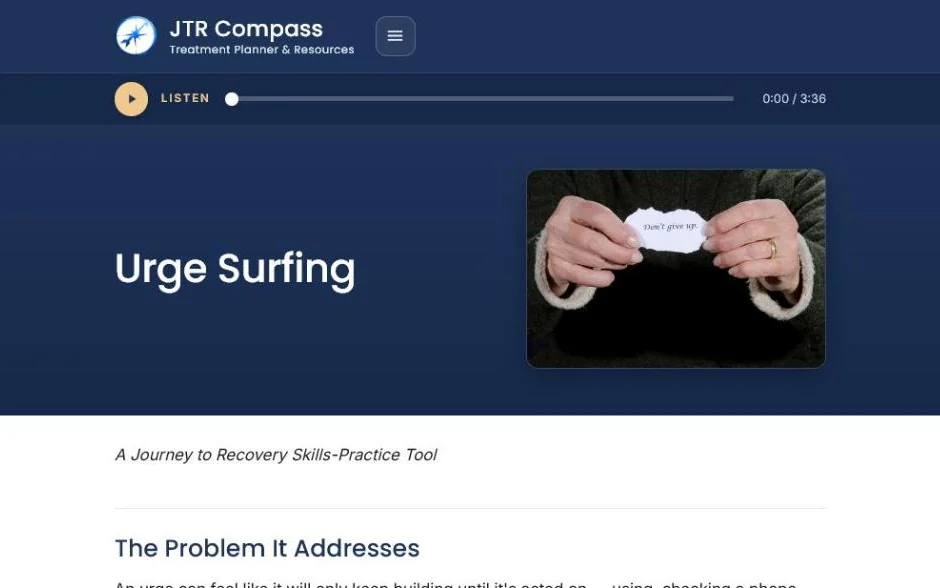
What’s inside
46 Tools, Included in All-Access
Eight areas: breathing and relaxation, communication and relationships, cravings and urges, daily life and routine, emotions and self-compassion, mindfulness and grounding, recovery and relapse prevention, and thinking skills. Each tool teaches one skill and walks the client through it.
Breathing and Relaxation
Communication and Relationships
Cravings and Urges
Daily Life and Routine
Emotions and Self-Compassion
Mindfulness and Grounding
Recovery and Relapse Prevention
Thinking Skills
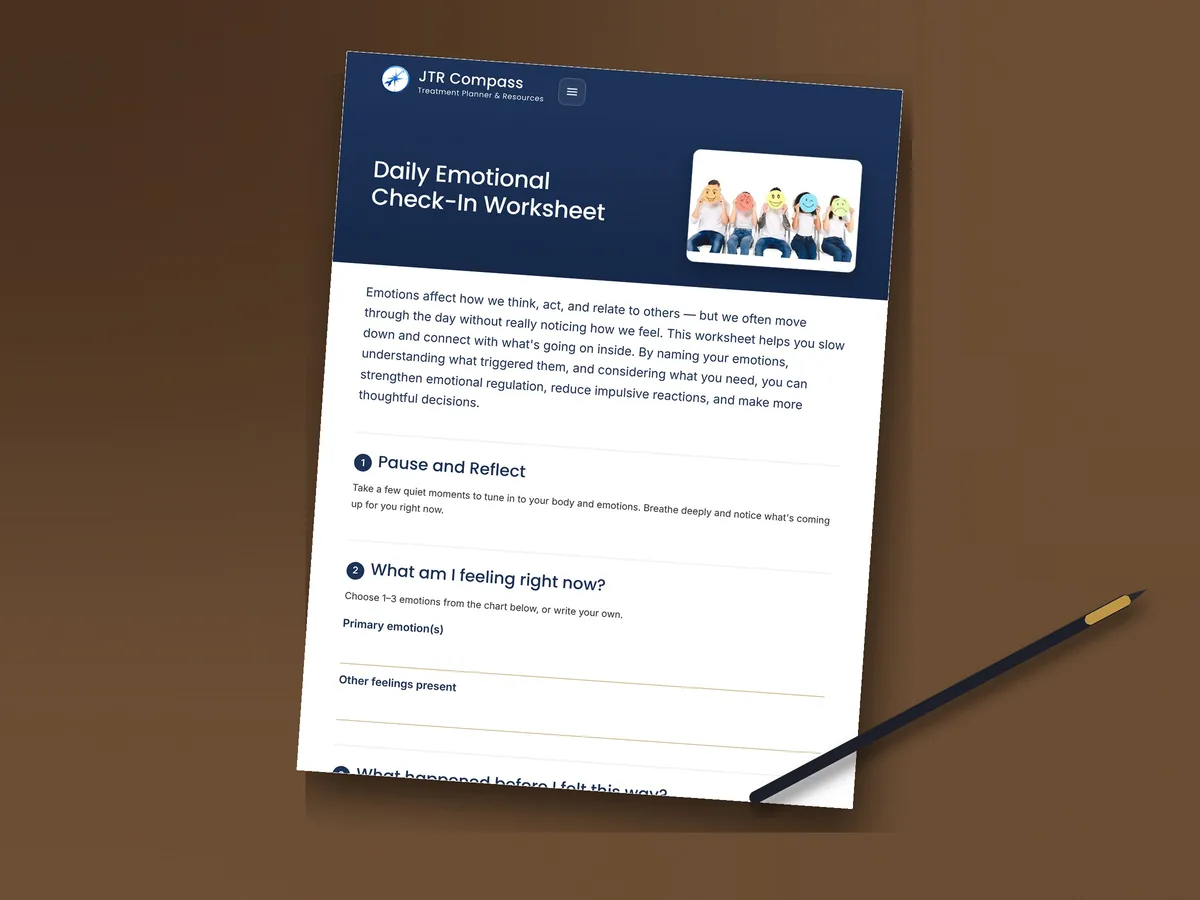
On paper too
Every Resource Prints Clean
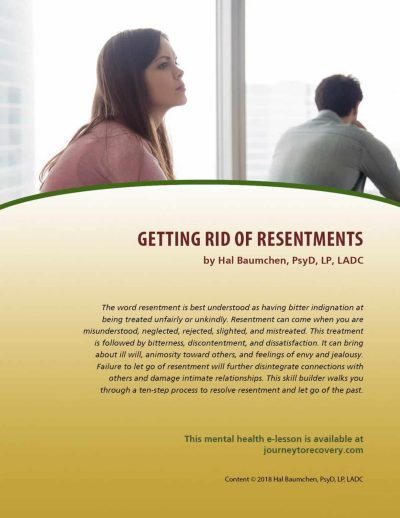
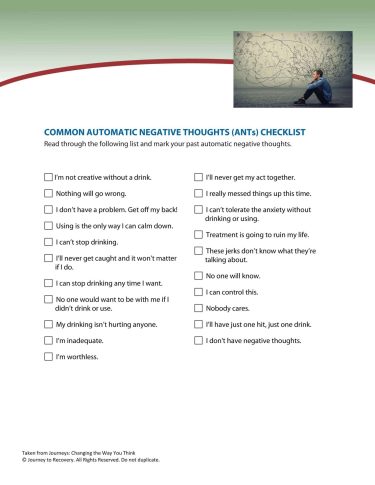
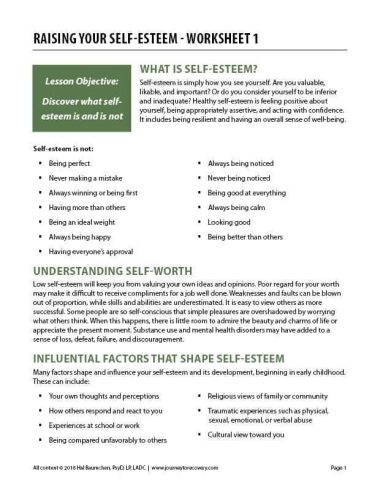
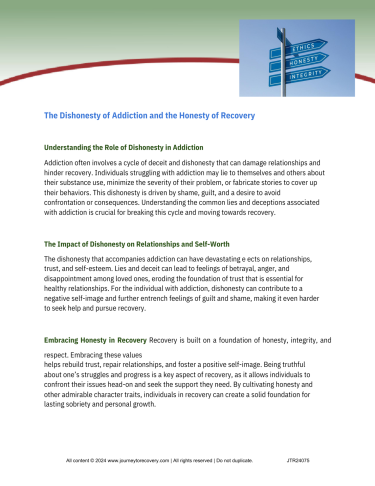
These materials lived in binders and file folders for years before they lived on a screen, and some clients still do their best thinking with a pencil. Every resource prints as a clean worksheet with the same content and the same self-check, for group rooms, waiting rooms, and the client who prefers paper. Assign the link or hand out the page. Same resource, either way.
In the session
A Skill at 2 A.m.
Teach the skill in session, then assign the tool so the client has it at 2 a.m. when the craving hits or the argument starts. Next session, ask which one they reached for. The tools pair with the lessons on the same concern.
Taught in Session
You teach box breathing or urge surfing in the room. The tool is the version the client carries home.
Guided, Step by Step
Each tool walks the client through one skill, with nothing to remember and nothing to look up.
Ready in the Moment
When the craving hits or the argument starts, the tool is a tap away. Nothing to install.
Pairs with the Lesson
Every tool sits beside the lesson on the same concern, so the explanation and the practice stay together.
How it works
The Plan Says Where Treatment Is Going. The Resources Get It There.
Three steps, and nothing for the client to set up.
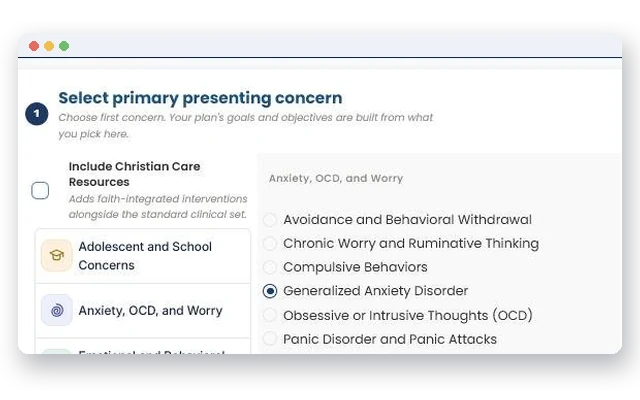
1Step 1
Add the Concern to the Plan
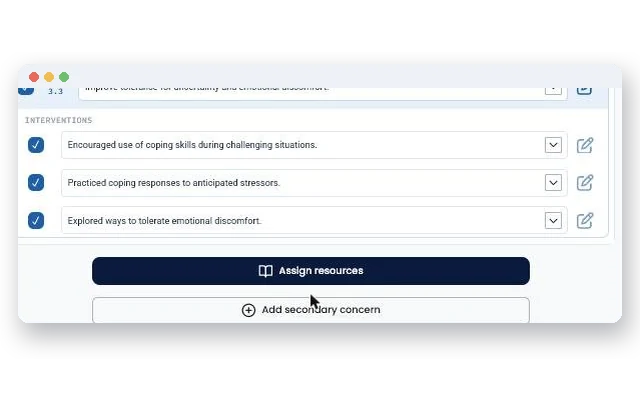
Choose from the same 71 concerns the treatment planner uses. The matched resources appear with it.
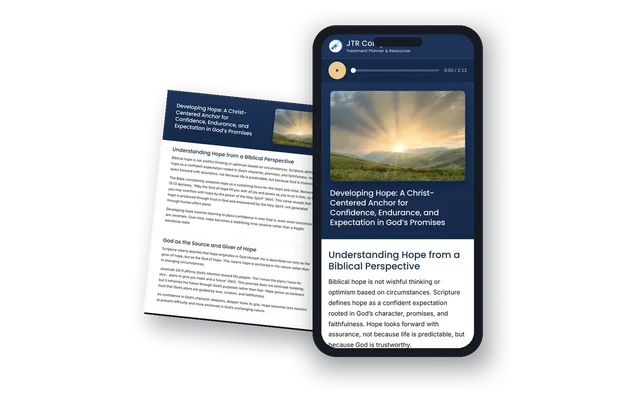
2Step 2
Send the Link
The client opens it on any device. No account, no app. They read, answer, and score themselves in a few minutes.
3Step 3
Open the Next Session with What Actually Happened
The self-score and the client’s own answers come back with them. Something real to engage with between sessions. Not paperwork.
From the clinical author
The 167 Hours in Between
In my years of clinical practice, I have never lost a client during the therapy session. I have lost them in the 167 hours in between, when anxiety begins to rise, support fades into the background, and there is little in that moment to help them remain grounded and stay on track.
The people I worked with were not lacking desire or insight. In many cases they knew exactly what they needed to do. They wanted to get better, and I wanted to help, but too often progress would drift, slip back, or simply not last. I came to call this the Drift Effect, and I have written a whole book about it. It happens to clients. It happens to treatment plans too. A counselor builds a careful plan at intake, and by session six it is a document in a file rather than a map anyone is following.
Later, when we developed an intensive outpatient program, something became clear. When clients had structure, support, and skill-building throughout the week, not just once a week, their outcomes improved dramatically. That is what led me to write the Journey to Recovery library in the first place, and it is why Compass exists. The treatment plan tells treatment where to go. These resources are how it gets there. Each of the 71 concerns is mapped to goals, objectives, and interventions, and the same 71 concerns carry over to the client side, each resource ending in a self-check that gives the client a personal summary to bring back.
None of this replaces the counselor. It extends your presence into the hours when clients are most vulnerable, and it keeps the plan active in daily life instead of waiting for the next appointment.
Dr. Hal Baumchen, PsyD, LP, LADC
 Dr. Hal BaumchenPsyD, LP, LADC. More than 30 years of clinical practice, author of Overcoming the Drift Effect.
Built to stay clean
Your Privacy and Your Client’s Privacy Are Protected by Design
Compass does not ask for and does not accept client identifying information. Nothing you enter is retained after your session ends.
Plans Without Identifiers
You build the plan from the concern, the goals, and the interventions. Names and record numbers never enter it.
Your Chart, Your Side
Export the finished plan as a PDF and upload it to your EHR or wherever you keep the record. What goes into the chart, and when, stays your decision.
One Link for the Client
Clients open a link on a phone with nothing to set up. Their answers go only where they choose to send them.
Compass supports audit readiness. Your own compliance review still applies.
Straight answers
Questions Counselors Ask
How Is a Tool Different from a Lesson?
A lesson explains and ends with a self-check. A tool is the practice itself, step by step, built to be used in the moment rather than read once.
Can a Client Use a Tool Without Being Assigned?
Yes. Once a counselor shares the link, the client can return to it as often as they like.
Do the Tools Store Anything?
No. Nothing the client enters is saved or sent anywhere. The counselor hears about it in session.
Who Wrote Them?
Dr. Hal Baumchen, PsyD, LP, LADC.
All Included in All-Access
Every printable, the interactive resources and the Clinical Training Center, on one subscription, with the treatment planner coming soon.